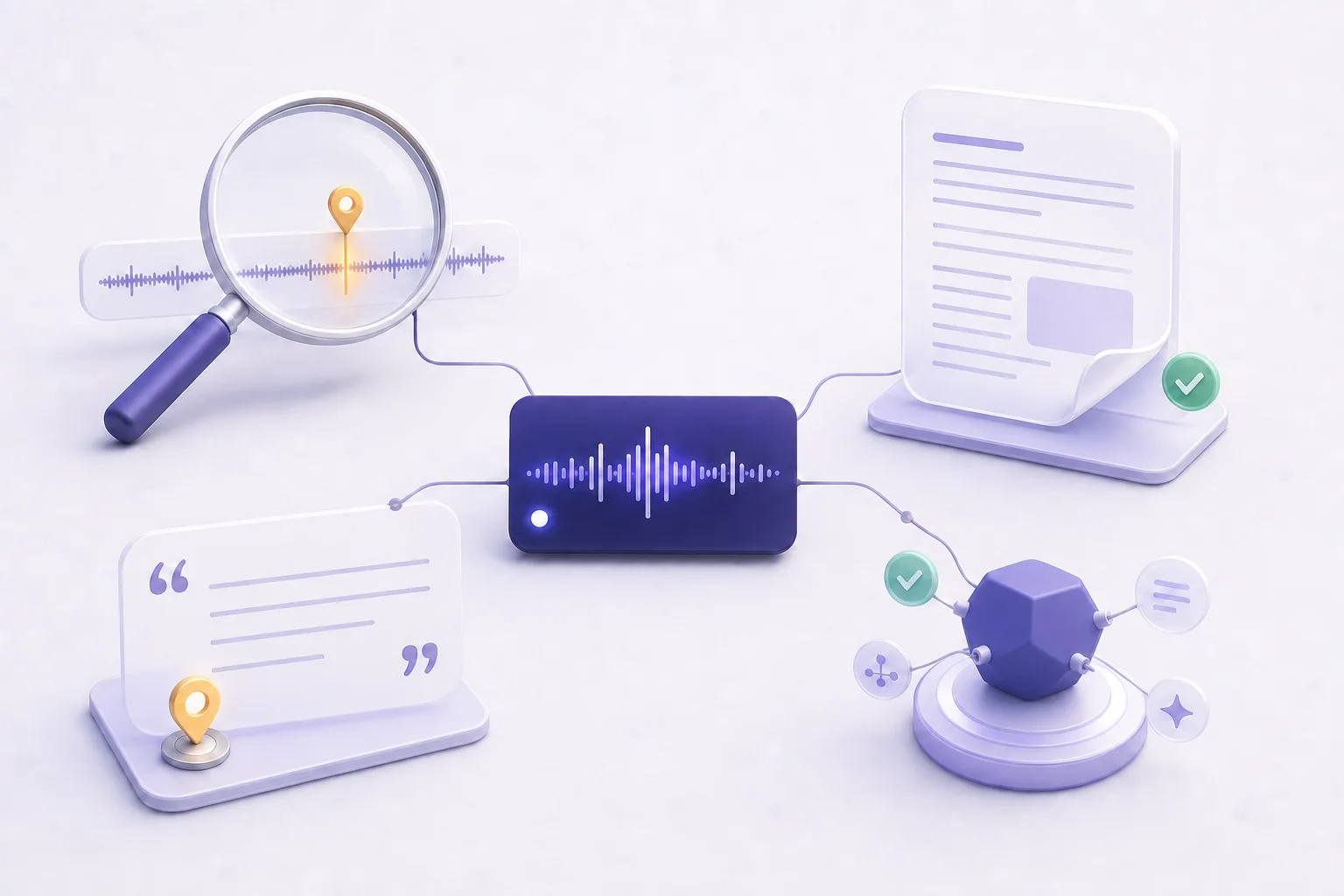
See who finds your show — people and AI agents.
Your host counts downloads. PodHood’s Access Analytics shows discovery: who visits your public library, which links and AI answers sent them, and what AI agents ask your catalog — on every plan.
Downloads measure listening. This measures being found.
Discovery now happens in two places — search results people click, and AI answers that cite you. PodHood publishes the pages and the endpoint that put you in both; Access Analytics shows what they bring back.
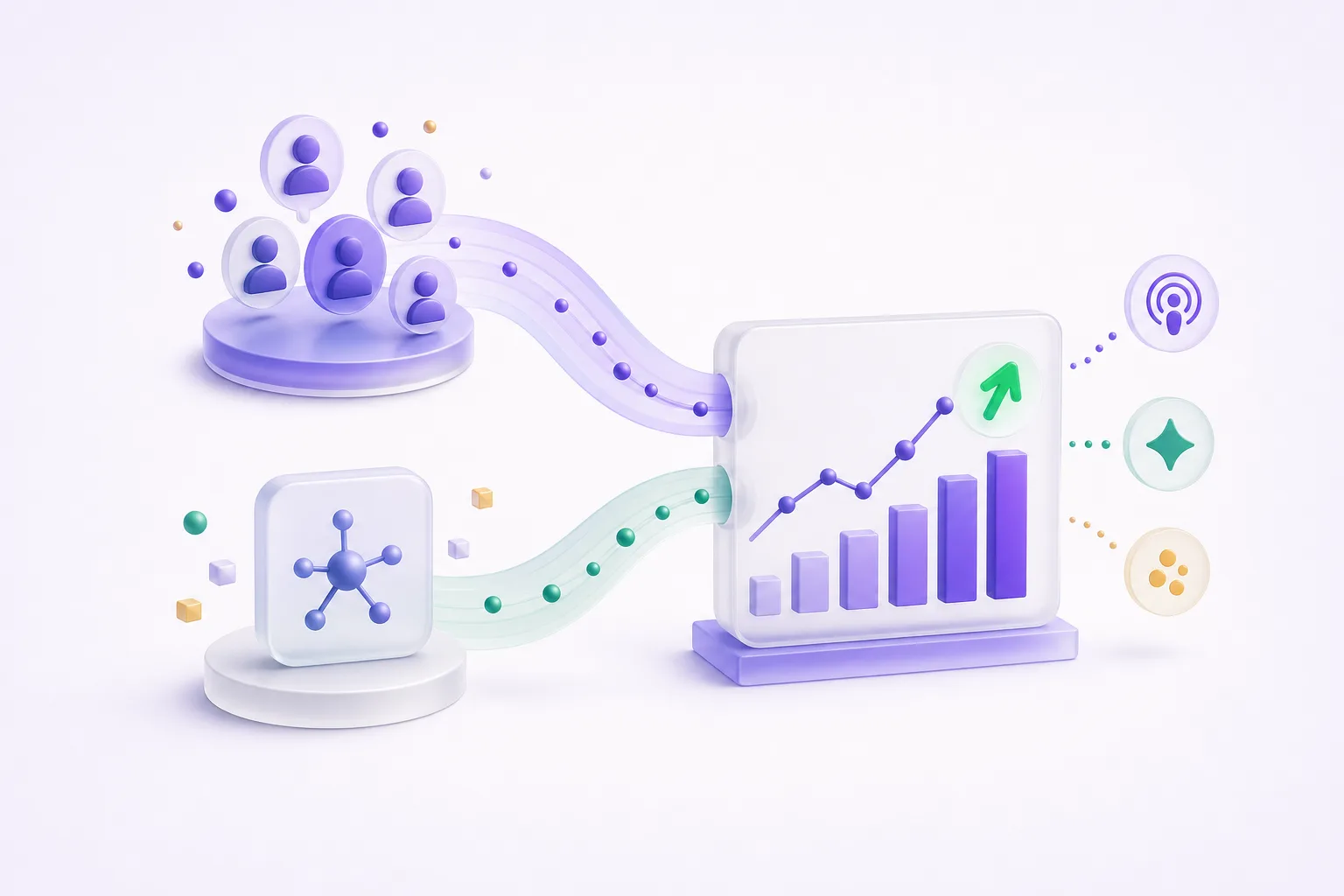
Two audiences, side by side
People visiting your library and AI agents querying your MCP endpoint — visitors, pageviews, and tool calls, trended over 24 hours to 90 days, each compared against the previous period.
Sources at three depths
Acquisition channels, referring domains, and UTM parameters. Tag a link with ?utm_source=newsletter and see exactly which share, post, or campaign brought each visit.
AI referrals, tagged
Visits arriving from ChatGPT, Perplexity, Claude, and other known AI assistants wear an AI badge — visible evidence that an AI answer cited you and someone clicked through.
What agents asked
The verbatim search queries AI agents send your catalog, which agent clients connect, and per-tool health — the questions your future audience asks before they ever find you.
Why doesn’t my podcast host show me this?
Because hosts measure consumption, not discovery. A download counter tells you an episode was fetched — it can’t tell you how the listener got there, which link or answer engine sent them, or what they were looking for.
PodHood publishes your library, so it can instrument it: every episode-page visit carries its referrer, UTM tags, geography, and device, and your channel’s MCP endpoint records every agent query server-side. Read your host’s numbers for listening, and Access Analytics for how the listening starts.
How do I measure whether podcast SEO and GEO are working?
By watching the outcomes land on the surfaces built for them. Organic Search sessions are your episode pages ranking; an AI-badged referrer is an answer engine citing those pages and a reader clicking through; MCP calls are agents retrieving your catalog directly. Every number on the page maps to a surface PodHood publishes for you.
That mapping is the point. Before your episodes had crawlable pages, citable structure, and an agent endpoint, there was nothing to measure — the work was invisible even when it was working. Index your catalog, then watch the three signals: Top pages shows which episodes rank and pull visitors, the AI badge shows citation click-through, and What agents asked shows retrieval demand. A number that moves tells you the layer that's paying off; one that doesn't tells you where to work next.
How do I track AI traffic to my podcast?
Two signals arrive with a visit: the browser-reported referrer, and UTM tags some AI engines add themselves — ChatGPT appends utm_source=chatgpt.com to its outbound links. PodHood reads both and badges any source that matches a known AI answer engine.
There’s also a side of AI traffic no web analytics can see: agents that query your catalog directly instead of clicking links. Because every PodHood channel serves its own MCP endpoint, Access Analytics shows that retrieval too — the queries verbatim, which clients connected, and how the tools performed.
What is UTM tracking, and why should a podcaster care?
UTM parameters are small tags on the links you share (?utm_source=newsletter&utm_medium=email) that declare where a click came from. They matter because podcast promotion is scattered — a newsletter, an X thread, a Discord, show notes on other sites — and untagged clicks all blur into one number.
Tag the links you control, and the Sources card splits visits by source, medium, campaign, term, and content — so you learn which promotion actually moves people, not which one feels like it does. Untagged visits still count; they’re just attributed by referrer instead.
The growth question isn’t how many listened. It’s how the ones who listened found you.
Frequently asked questions
Yes — every plan, including Free. The numbers are the product’s proof of work: connect a channel and the page starts filling in on its own, no setup and no capability lock.
No — it complements them. Your host counts downloads and plays, which measure consumption. PodHood measures discovery: visits to your library pages, where each visit came from, and AI agent retrieval against your catalog. Together they cover the funnel end to end.
Yes — a YouTube-sourced channel gets the same discovery dashboard as an RSS feed. YouTube Studio shows how videos perform inside YouTube; this shows the half it can't: who finds your episodes on Google, which AI answers cite them, and what agents ask your catalog.
Refreshed hourly. Pick a 24-hour, 7-day, 30-day, or 90-day window; every headline number is compared against the previous period of equal length, so a spike or a dip is visible at a glance.
A maintained list of known AI answer engines — ChatGPT, Perplexity, Claude, Gemini, Copilot, Grok, DeepSeek, and more. Matching referrer or UTM rows wear an AI badge; the badge annotates the row without changing any count.
No. PodHood serves your library — on your subdomain or your custom domain — so measurement ships built in, and MCP activity is recorded server-side. Nothing to add to your own website, and your team’s Studio activity never counts toward audience numbers.
Grow from episodes you’ve already made.
Connect a YouTube channel or podcast feed — your back catalog imports in minutes, and every episode becomes another way for new listeners to find you. Free to start — no credit card.
Get started